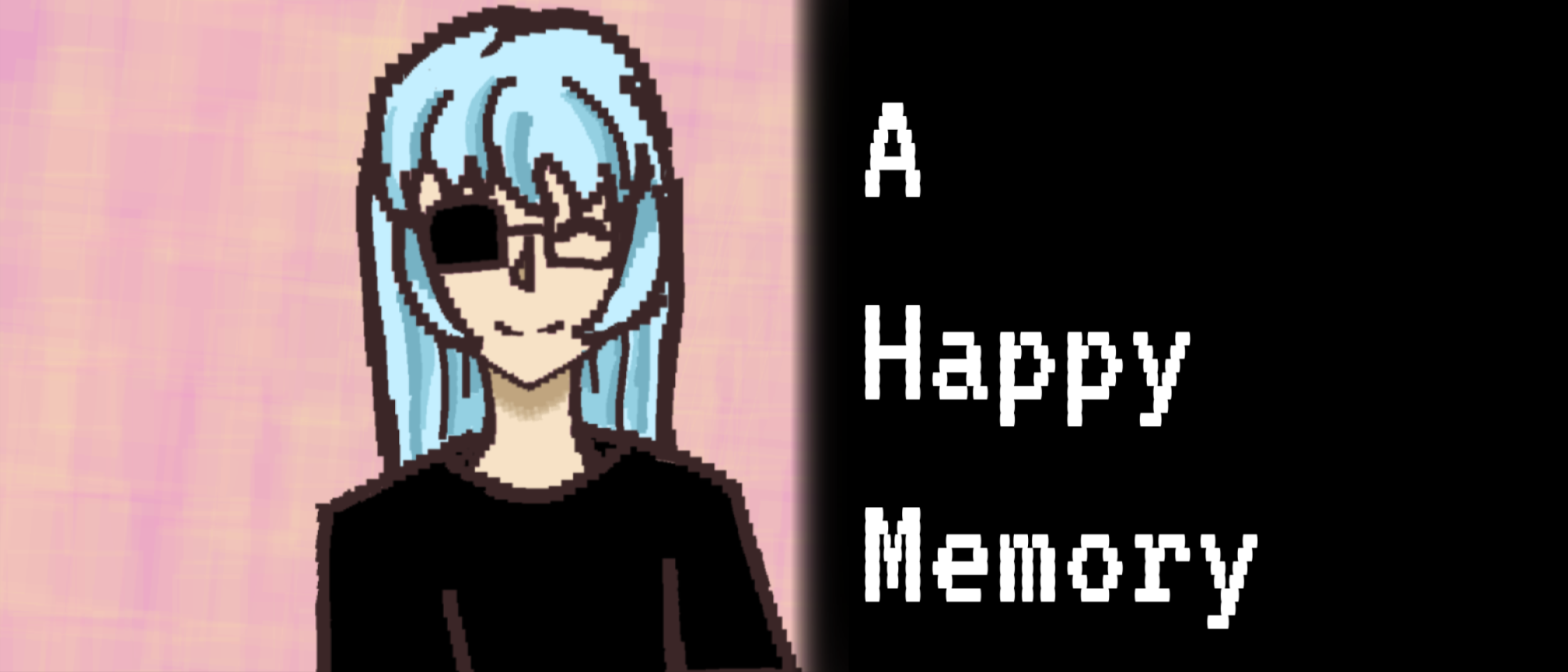
A Happy Memory
A very quick slider puzzle game with a secret: “A Happy Memory”. Content Warning: visual depiction of mild violent content. Press SPACE to disable custom cursors if a flickering glitch occurs.
Created by SHuang and Roamer Monkey for a final project for a university game course.
It is recommended that you play the game and figure out the puzzle on your own. However, the instructions are at the bottom of this game description if needed.
The web version is the most recommended version of this game: however, the desktop versions of the game are available. The desktop versions have the following keyboard shortcuts: ESC to quit, ENTER to skip the puzzle, and SPACE to disable the custom cursor.
Credits:
- Drawn Art: SHuang
- Coding & Other Graphics: Roamer Monkey
- Other: The puzzle coding builds onto the coding provided in ZeroSkillsGameDev’s YouTube tutorial. The used VHS shader comes from Godot Shaders.
- SFX (from Freesound.org): VHS eject by Pizzazif, Quadruple Whoosh!!! by qubodup, Glass Slide 1-3 by WasabiWielder, Flip light switch.MP3 by SoundsForHim
- Music: Magical Music Box by Purple Planet Music
Full Instructions:
Click on the slider puzzle tiles to move them to piece together a complete image with the image tiles. The whole image is split across three different slider puzzles. Click on the switches to toggle each slider puzzle. It does not matter where the symbol tiles go.
Download
Install instructions
WINDOWS USERS: You will be warned by Microsoft Defender that opening this game might be dangerous. It isn't, and you can otherwise run this game safely.
MAC USERS: You will be warned by Apple's Gatekeeper feature that you cannot launch the game. You must manually go to System Settings > Privacy & Security > Security and allow this game to run.
LINUX USERS: A download option is available; however, we do not have the means to test whether it properly functions exactly like the Windows version. Please let us know if it doesn't.
Leave a comment
Log in with itch.io to leave a comment.